|
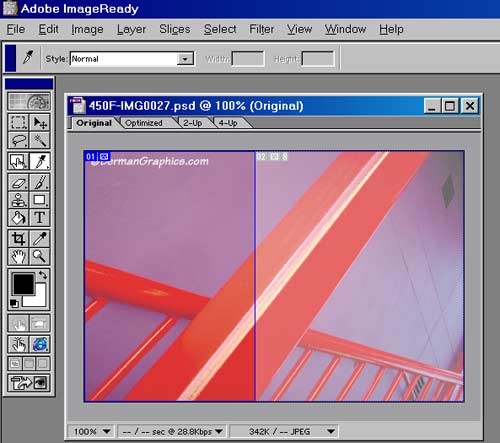
The above picture has been slices into two separate
pictures. |
|
Right clicking and saving would only get half the picture. |
|
The individual image parts load into different cells
within the same table |
|
The table has 0 cell padding and 0 cell spacing |
|
If properly optimized, the individual pictures would probably load faster
than a full size version. |
|
This is evident in a situation where elements of the image
will work better as GIF's instead of JPEG's. For example, for the home
page graphic at KnollPhotos.com,
I took the graphic and created two GIF slices and one JPEG slice. The
resulting file size was a full third smaller because the large areas of a
solid color compressed much smaller as GIF's. |
|
You can see the example on this
page. |